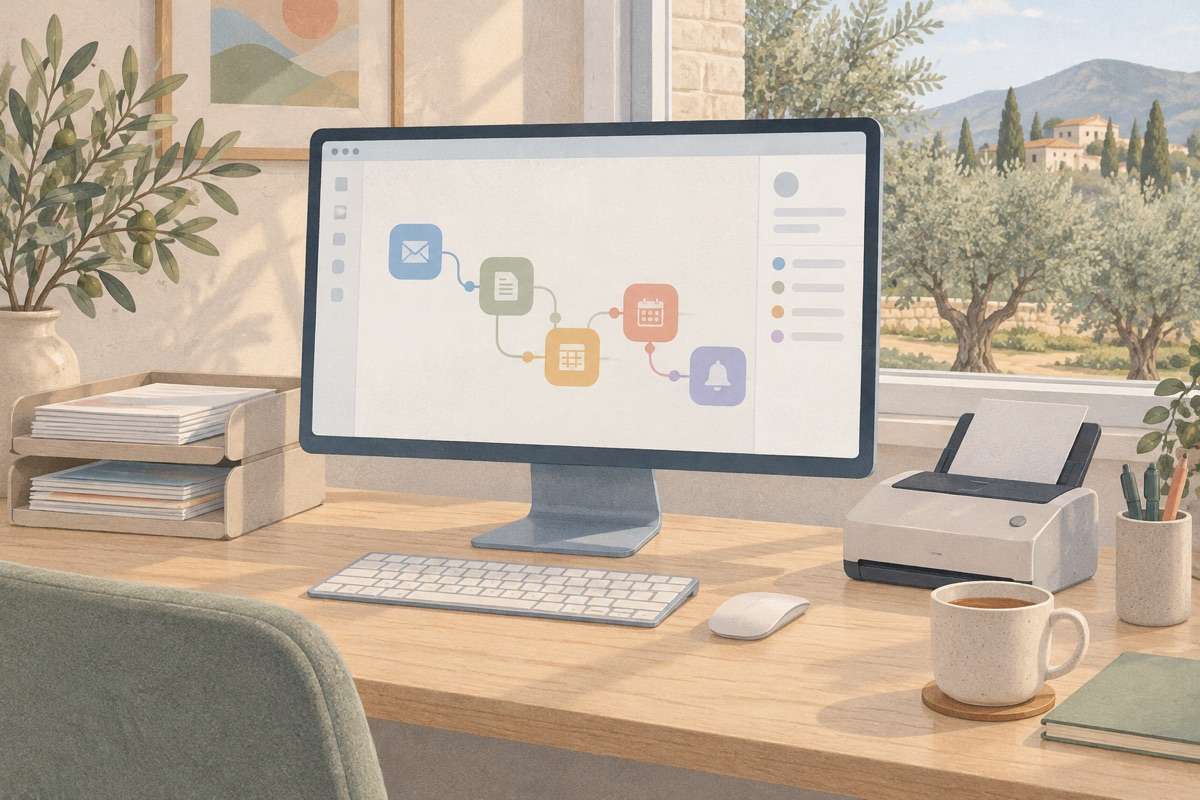
AI automation for the work that eats your week
Emails sorted and answered, invoices and orders read and entered, leads followed up, reports written: the back-office work handled by software, with your CRM, accounting and e-shop connected through n8n, Zapier or custom code and a person in the loop where judgment matters. A written proposal before we start.



What we build
The repetitive work that fills a week, handled by software: inbox triage, invoices and orders read and entered, leads followed up, reports written. We connect your CRM, accounting, e-shop and spreadsheets with n8n, Zapier or custom code, add a language model where judgment is needed and keep a person in the loop for exceptions and approvals.
- Customer service automationFirst replies, FAQ answers, order status and bookings handled before a person steps in.
- Finance and adminInvoices matched, expenses categorised, reminders sent and books kept current.
- Sales and CRMLeads enriched, scored and followed up, meetings booked and the CRM kept clean.
- OperationsOrders, stock, scheduling and supplier emails flowing between systems without copy-paste.
- Content and marketingDrafts, translations, product descriptions and social posts prepared for review.
- Data and reportingData pulled from every tool into one place, with reports that write themselves.
What you get
Start with one process.
We pick the most painful process first, usually the inbox or the paperwork, and have it running within weeks. Every further automation builds on the same connections.
Work that never queues.
Requests are triaged, documents processed and systems updated the moment they arrive, so Monday morning starts with a clean queue.
Nothing happens silently.
Every item, decision and error is recorded. If something goes wrong you see exactly what, and a retry or a correction is one click.
Judgment where it belongs.
The routine cases are handled; the unusual ones land with a person, with the context already gathered.
How it works
- 01
Map the process
A short workshop on how the work is done today, where the time goes and what must never be automated.
- 02
Design the flow
Steps, decisions, exceptions and approvals drawn out and agreed, with the tools it will connect.
- 03
- 04
Go live and monitor
Switched on with logging, alerts and a review queue. A monthly check on volumes, errors and the next process to automate.
What is included
- Inbox and request triageEmails, forms and messages classified, answered or routed to the right person.
- Document pipelinesInvoices, orders and contracts read, checked and entered into your systems.
- Human in the loopApprovals, exceptions and edge cases land with a person, with everything else handled.
- Reports and alertsDaily summaries, anomaly alerts and dashboards built from the data that flows through.
- Logs and reliabilityEvery run recorded, retries on failure and a clear view of what happened to each item.



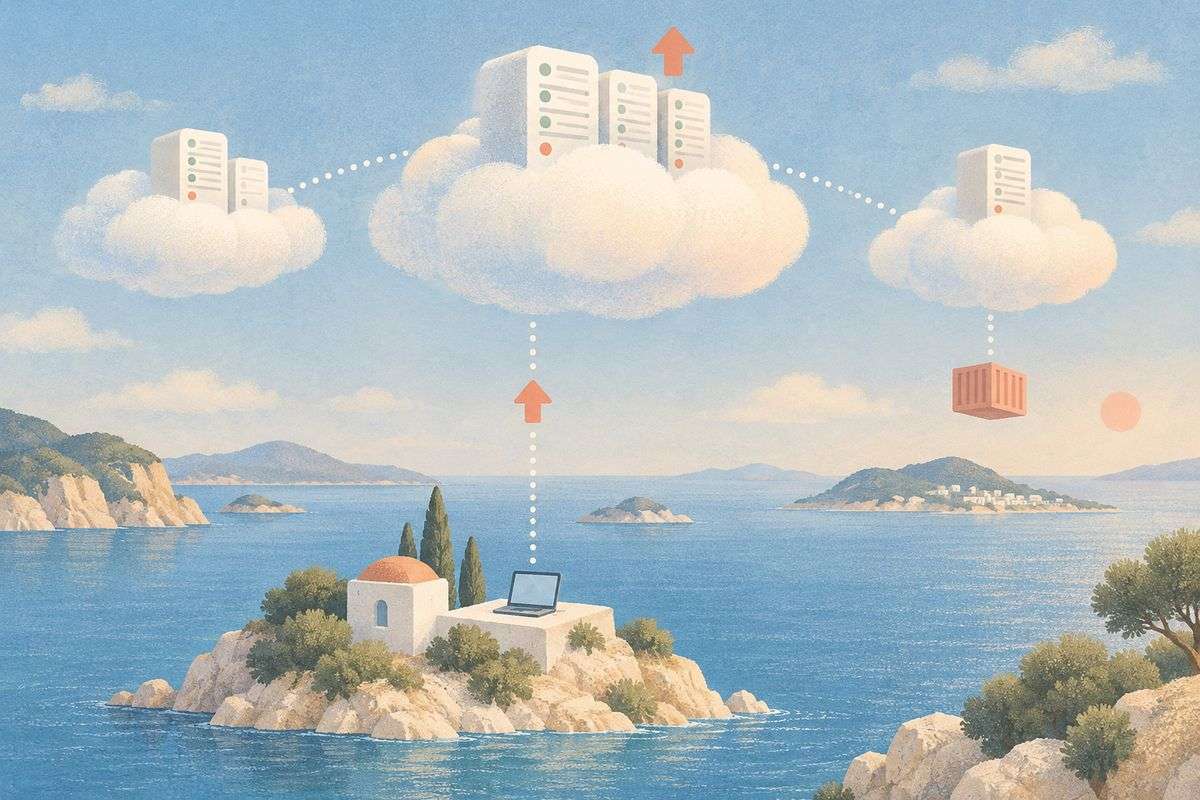




Services
Automation is not about replacing people.
It is about taking the copying, sorting and chasing off their desks, so the hours they have go to customers and decisions.

The best process to automate is the one nobody enjoys.
Every business has it: the inbox that needs sorting before anyone can work, the invoices typed into the accounting system by hand, the spreadsheet updated from three other spreadsheets. It is not hard work, but it is constant, and it is where errors creep in.
We take that work and give it to software. Rules where rules are enough, a language model where reading and judgment are needed, and a person for the exceptions. Every run is logged, every failure is visible, and every month the queue of unloved tasks gets shorter.
Questions and answers
Other services
 Website developmentFast, multilingual business websites and online shops, designed from scratch and built to be found.
 Corporate portalsClient portals, intranets and internal tools that replace spreadsheets and email threads.
 MVP developmentA first version of your product in weeks, built to test, measure and grow.
 Mobile app developmentiOS and Android apps for your customers or your team, connected to your website and systems.
 SaaS developmentSubscription products built to grow: accounts, billing, roles and an admin panel, on a stack your next developer will know.
 AI developmentAssistants, document processing and AI features inside your product, built on Claude, OpenAI and open models, with your data kept yours.
Get a quote for your automation
Tell us which process takes the most time and which tools it touches. You get a written proposal with the flow, the tools, timeline and cost within one working day.
- 1We reply within one working day
- 2A short call to understand your goals and what you have today
- 3A written proposal with scope, timeline and cost, no obligation