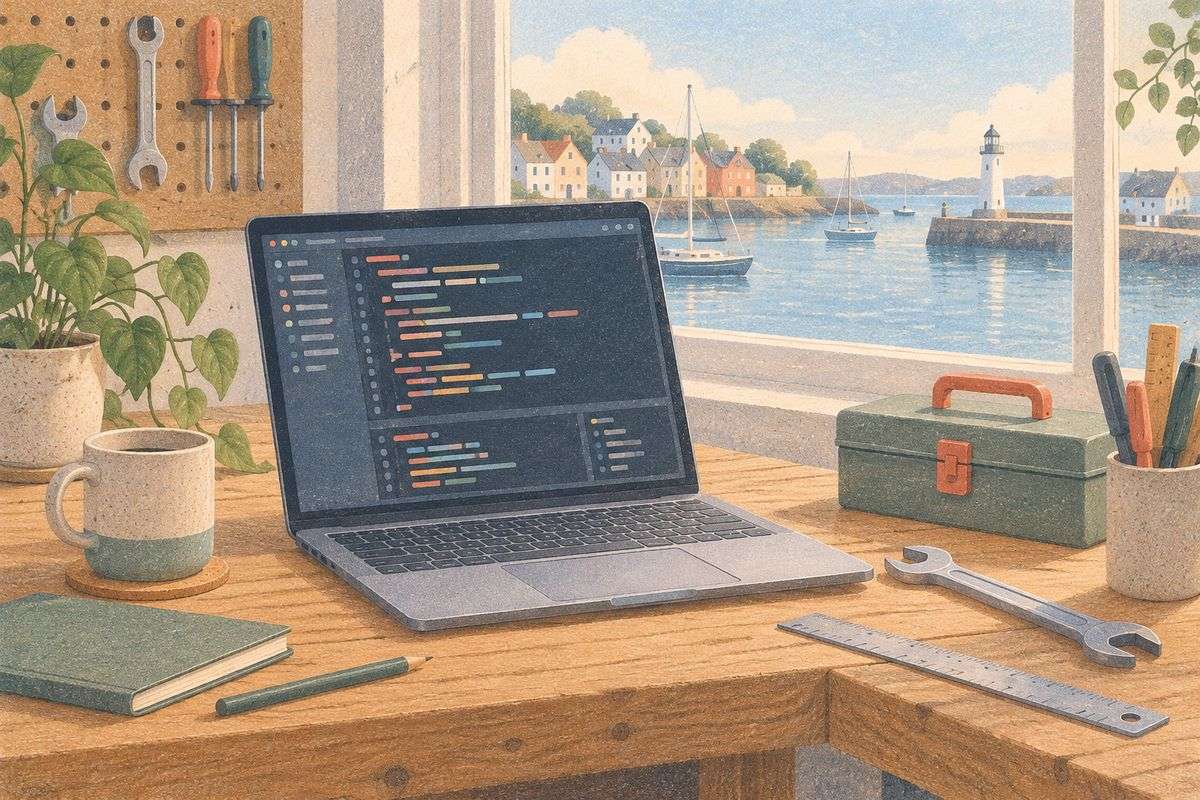
Developer tooling and workflow
Good tooling is why our projects stay easy to maintain. Vite or Webpack for builds, ESLint and Prettier for consistent code, Husky and Conventional Commits for clean history, Nx or Lerna for monorepos and Storybook for documented components. You get a codebase that any team can pick up.



The stack
Build tools, linting and monorepos that keep code healthy.
- ViteInstant development builds and lean production bundles.
- WebpackThe configurable bundler for complex applications.
- BabelModern JavaScript that runs in every browser.
- rollup.jsSmall, clean bundles for libraries.
- ParcelZero-config bundling for smaller projects.
- YarnFast, deterministic package installs.
- ESLintCatches bugs and style issues as we type.
- PrettierOne formatting style across the whole codebase.
- HuskyChecks that run before every commit.
- EditorConfigConsistent editor settings for every contributor.
- Conventional CommitsReadable history and automatic changelogs.
- LernaVersioning and publishing for monorepos.
- NxSmart monorepos with cached builds.
- StorybookLiving documentation for the components we ship.
- GitHubCode, reviews and automatic deployments in one place.
- BitbucketGit hosting that fits Atlassian teams.


Why it matters for your business
- A codebase anyone can pick upConsistent formatting, linting and conventions mean a new developer is productive on day one.
- Fewer bugs reach productionAutomated checks run before every commit and every deployment, catching mistakes while they are cheap.
- Faster deliveryModern build tools and cached monorepos turn minutes of waiting into seconds across the whole team.
- Design and code in syncStorybook documents every component, so designers and developers look at the same source of truth.
Good tooling is why our projects age well.
Two sites can look identical on launch day and be worlds apart a year later. One has a tidy, documented codebase that any developer can extend. The other has become something nobody dares to touch. The difference is tooling and discipline.
We set up Vite or Webpack for builds, ESLint and Prettier for consistency, Husky and Conventional Commits for a readable history, Nx or Lerna when several apps share code, and Storybook for the component library. It costs a day at the start and saves months later.
The tooling we add is invisible to your customers and visible to every developer who touches the project after us. Linting and formatting run before every commit, so code reviews are about logic rather than style. Pull requests are checked by the same build and test steps that run in production, so what passes locally passes everywhere. For teams with several products we set up a monorepo with shared packages and a changelog generated from commit messages. All of it is standard, documented and replaceable, which is exactly what you want from tooling.
How we work with it
- 1
Audit and plan
We review what you have, define the goal and write a proposal with scope, timeline and cost.
- 2
Design and prototype
Structure and screens in Figma, approved by you before any code is written.
- 3
Build in sprints
Short cycles with a demo at the end of each, on a staging environment you can test.
- 4
Launch and support
Deployment, monitoring, training and a backlog for the next phase.

Related services
 Website developmentFast, multilingual business websites and online shops, designed from scratch and built to be found.
 Corporate portalsClient portals, intranets and internal tools that replace spreadsheets and email threads.
 MVP developmentA first version of your product in weeks, built to test, measure and grow.
Questions and answers

All technologies
 FrontendInterfaces in React, Next.js, Vue and Angular.
 BackendAPIs, authentication and the logic behind the screen.
 DatabasesThe right store for every kind of data.
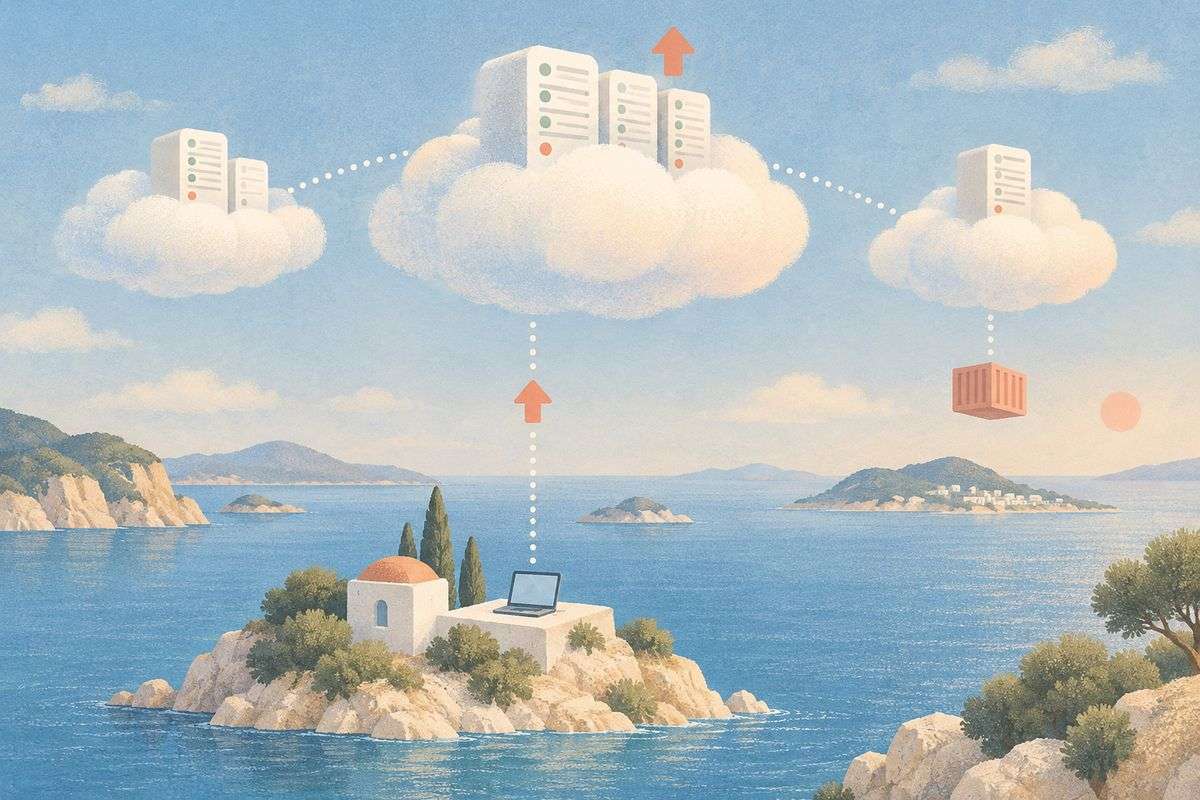 Cloud and DevOpsHosting, deployment, containers and CI/CD.
 Testing and QAAutomated tests that catch problems before customers do.
 Mobile appsiOS and Android apps, native or cross-platform.
 Design and collaborationDesigned in Figma, planned in the open.
 Monitoring and dataSee errors, performance and events as they happen.
 Analytics and growthMeasure what matters and keep in touch.
 Payments and e-commerceOnline shops and payments that just work.


Get a quote for your codebase setup
Every project is quoted individually after a short call. Tell us about your business and you will get a written proposal with scope, timeline and cost within one working day.
- 1We reply within one working day
- 2A short call to understand your goals and what you have today
- 3A written proposal with scope, timeline and cost, no obligation